Imagine two developers who each need a new message queue. The first opens her team’s AWS account, creates the queue from an approved template and moves on; the whole thing takes a few minutes, and every company rule about encryption and logging is applied automatically. The second files a ticket with the platform team, waits for a review, answers questions about why the queue is needed and gets access some days later. Both companies use the same cloud provider and the same service. They have built very different organizations.
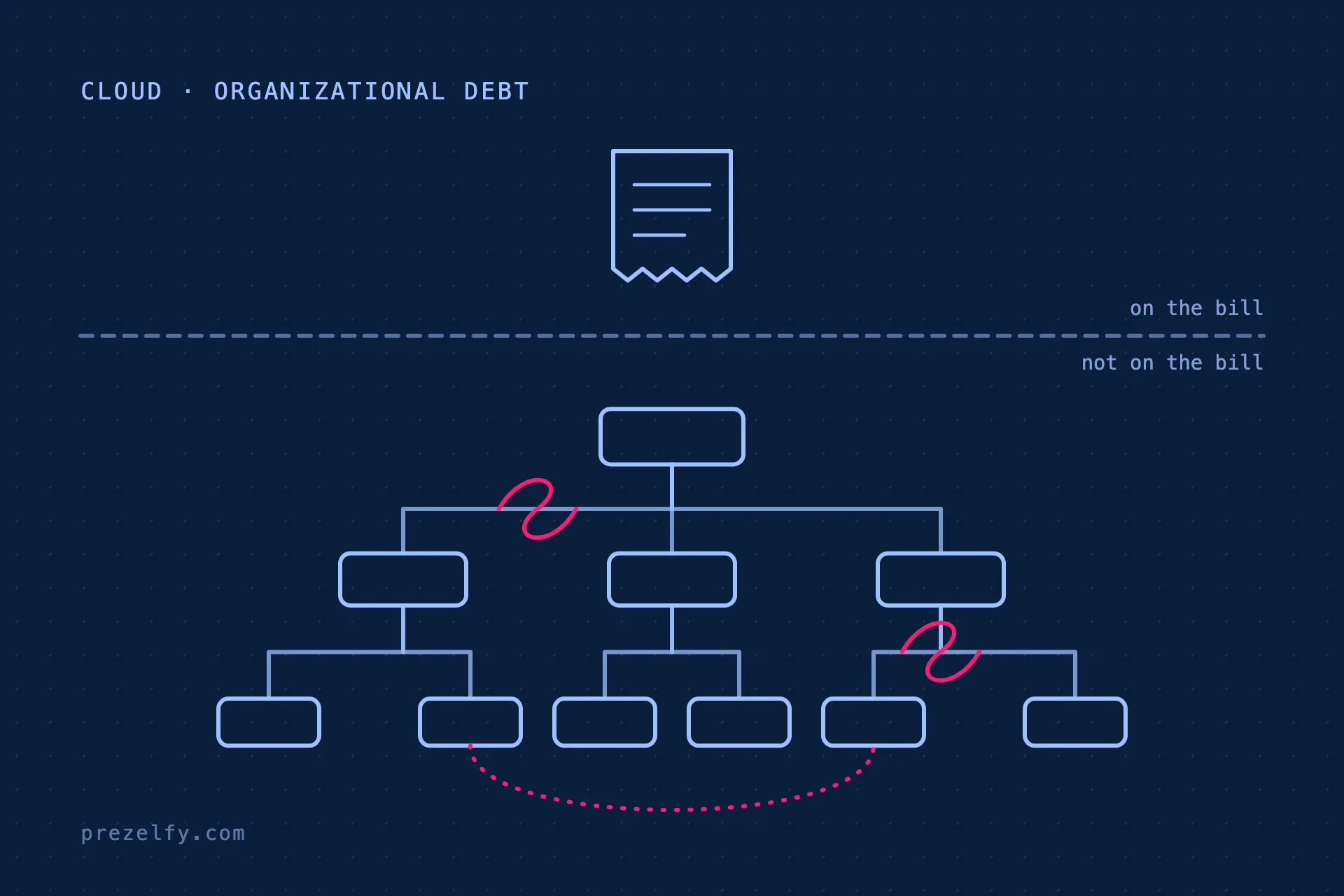
Cloud decisions are usually judged by cost, performance and security. They also decide who can change what, who has to ask whom and how much coordination every change needs. When those decisions do not fit how the organization wants to work, the cost shows up as friction between teams rather than as a line on the bill. This article explains how that happens, how to recognize it and what a better setup looks like on AWS.
In short: Your AWS account structure, permission model and guardrails work as an operating model. Fully centralized setups make teams wait; fully decentralized setups make teams repeat work and drift apart on security. The pattern that scales is clear team ownership inside shared, automated guardrails, and you can move toward it one workload at a time.
Cloud architecture is organizational design
In the late 1960s Melvin Conway observed that the systems an organization builds tend to mirror its communication structure. The observation, now known as Conway’s law, also works in reverse for cloud platforms. Once an account structure, a permission model and an approval process are in place, people adapt their behavior to them. Teams that need a second team’s approval for every change start to batch changes and plan around the other team’s calendar. Teams that own an account end to end start to feel responsible for what runs in it.
Four decisions have a particularly strong effect, even though they are usually made as technical choices.
Account boundaries. An AWS account is the strongest isolation boundary AWS offers for permissions, quotas and costs. Whether a team has its own accounts or shares one with others decides how much it can change without affecting, or asking, anyone else.
Permission model. When access is granted to individuals case by case, a central team spends its time processing requests, and nobody is sure who can do what. When access is granted to roles that follow team membership, joining a team is enough to get the right access, and leaving it removes that access.
Network ownership. Centralized networking is often the right choice for security and cost, but if every subnet, route or firewall change needs the network team, that team becomes part of every project’s critical path.
Cost allocation. If costs are only visible as one total, spending belongs to nobody. If each account and resource carries an owner, teams can see and act on what they spend.
Three common setups and what they do to an organization
Most organizations end up in one of three patterns. None of them is a mistake when it is chosen; each becomes a problem when the organization grows and the setup does not change with it.
The shared account
Everything runs in one or a few large accounts. This is how most cloud journeys start, because it is the quickest way to get going. Over time, resources from different teams and stages sit side by side. Permissions become broad, because they have to cover everyone’s needs, and a mistake by one team can affect all of them. Service quotas are shared, so one team’s load test can throttle another team’s production traffic. The central team usually responds by adding manual reviews, and the shared account becomes a bottleneck.
The central gatekeeper
Teams have separate accounts, but every new resource, network change or new service needs approval from a central platform or security team. Risk is well controlled, at least on paper. In practice, teams learn to wait, to batch their changes and to avoid unfamiliar services because each one means another review. The central team is overloaded and is seen as the obstacle, even though it is doing exactly what the process asks of it.
The free-for-all
Every team gets accounts and full control, often as a reaction to a gatekeeper model that was too slow. Delivery speeds up at first. Then each team solves logging, networking, security and cost tracking in its own way. Knowledge stops transferring between teams, audits become expensive because nothing is consistent, and incidents are hard to investigate because every account looks different.
Key idea: Every cloud setup answers the question “who can change what without asking?”. If you do not answer it deliberately, your account structure and approval process will answer it for you, usually in a way nobody chose.
How to recognize the symptoms
The organizational cost of a poor cloud setup rarely appears in one place. It shows up as a pattern of small frustrations. Score each of the following with 0 (rarely), 1 (sometimes) or 2 (often), ideally together with people from both central and product teams:
| Symptom | What it usually points to | Score |
|---|---|---|
| Routine changes need a ticket or meeting with another team | Approvals used where guardrails would work | 0 / 1 / 2 |
| Nobody can quickly say who owns an account or resource | Missing ownership model and tagging | 0 / 1 / 2 |
| Teams build workarounds outside the official platform | The approved path is slower than the risk justifies | 0 / 1 / 2 |
| Security findings stay open for a long time | Findings are not routed to an owning team | 0 / 1 / 2 |
| New engineers take long to deploy their first change | No golden paths or templates | 0 / 1 / 2 |
| The same few people join every incident and design review | Knowledge concentrated in a few experts | 0 / 1 / 2 |
| Costs are discussed only as a total | No cost allocation per team or product | 0 / 1 / 2 |
The total matters less than the pattern. Anything scored 2 by several people is a good place to start, and a symptom that central teams score low while product teams score high is worth a conversation of its own.
What a healthier setup looks like on AWS
The pattern that scales is clear ownership inside shared guardrails: teams can change what they own without asking, and the rules that must apply everywhere are enforced automatically rather than by review.
A multi-account structure
AWS Organizations lets you group accounts into organizational units (OUs) and apply policies to each group. AWS’s guidance on organizing your environment with multiple accounts describes a structure along these lines, simplified here:
Root
├── Security            log archive, security tooling
├── Infrastructure      networking, shared services
├── Workloads
│   ├── Production      one account per workload
│   └── Non-production  one account per workload and stage
├── Sandbox             individual experiments, budget-capped
└── Suspended           accounts being closed
Each workload gets its own accounts per stage, which keeps permissions narrow, quotas separate and costs visible. Security tooling and logs live in accounts that workload teams cannot modify. Sandbox accounts give people a safe place to experiment without touching anything shared.
Guardrails as code
Service control policies, AWS Config rules and AWS Control Tower controls enforce the non-negotiables everywhere: logging cannot be switched off, only approved regions can be used, storage must be encrypted. Because these rules are attached to OUs, a new account inherits them automatically, and nobody has to review it for the same things again.
Team-based access
AWS IAM Identity Center connects to your identity provider and assigns permission sets to groups. When groups follow your team structure, access follows team membership: people get what their team needs when they join and lose it when they leave, without a ticket in between.
Ownership you can query
Tags for owner, cost center and environment make every resource traceable to a team. Tag policies in AWS Organizations standardize tag keys and allowed values, and can enforce them for supported resource types:
{
  "tags": {
    "owner": {
      "tag_key": { "@@assign": "owner" }
    },
    "costcenter": {
      "tag_key": { "@@assign": "CostCenter" },
      "tag_value": { "@@assign": ["platform", "payments", "search"] },
      "enforced_for": { "@@assign": ["ec2:instance"] }
    }
  }
}
With consistent tags, cost reports can be broken down per team and security findings can be routed to the right people automatically.
A platform team that builds products, not queues
The central team’s job shifts from approving requests to building things teams choose to use: account vending, templates for common workloads, shared networking and observability. A useful test is whether teams would use the platform even if they were not required to. If the answer is no, the platform is a gate, not a product.
What to centralize and what to leave to teams
Clear ownership does not mean decentralizing everything. Some things are better decided once, centrally; others are better decided by the team closest to the problem. A reasonable starting split:
| Decide centrally | Decide in teams |
|---|---|
| Account structure and baseline guardrails | Resources inside the team’s own accounts |
| Identity provider and permission sets | Which approved services to use for a workload |
| Central logging and security tooling | Application-level monitoring and alarms |
| Network connectivity between accounts and on-premises | Configuration of their own services and pipelines |
| Long-term spending commitments | Day-to-day spending within a budget |
The right split depends on your regulatory environment and the maturity of your teams, and it should be revisited as both change.
How to improve without starting over
Few organizations can redesign their cloud setup in one step, and few need to. Progress usually comes from a sequence of small, visible changes.
1. Map ownership
List your accounts and main workloads and name an owning team for each. The gaps in that list are your first priority, because unowned resources are where cost, risk and confusion accumulate.
2. Find the most common waits
Group the requests your central teams received over the last quarter. The largest groups, such as new accounts, firewall changes or access requests, are the best candidates for self-service.
3. Turn one manual review into a guardrail
Pick a review that checks the same thing every time and implement it as a policy or a Config rule. Then stop doing the review. Removing the manual step is the part that is most often forgotten.
4. Start new workloads in the target structure
Put the next new workload in its own account with the target guardrails, and move existing workloads when they need significant changes anyway. Over time the old structure shrinks without a big migration.
5. Revisit decisions on a schedule
Review account structure, permissions and guardrails at least once a year. What fit a smaller organization rarely fits a larger one, and nobody notices the drift unless someone looks.
Try this: Draw your current account structure on one page, and next to each account write the owning team and the last time someone outside that team had to approve a change in it. Accounts without an owner, and accounts where outside approval is routine, show you where the organizational cost is hiding.
Key takeaways
- Account structure, permissions and guardrails shape how teams work, not only how systems run.
- Shared accounts, central gatekeepers and free-for-all setups each create costs that never appear on the bill.
- Clear ownership inside automated guardrails is the pattern that scales on AWS.
- You can get there incrementally: map ownership, automate one review, and start new workloads in the target structure.
Not sure whether your AWS setup still fits how your teams work? We assess account structure, ownership and guardrails, and outline the smallest changes that remove the most friction.
Talk to us